
AI room makeovers for iPhone
Makeovers you can actually buy.
Snap a room, set a budget, pick a style. Nestivo restyles your room — same walls, same windows — and hands you a shopping list with a price on every piece. The total fits your budget.
First makeover freeNo accountRooms stay on your iPhone
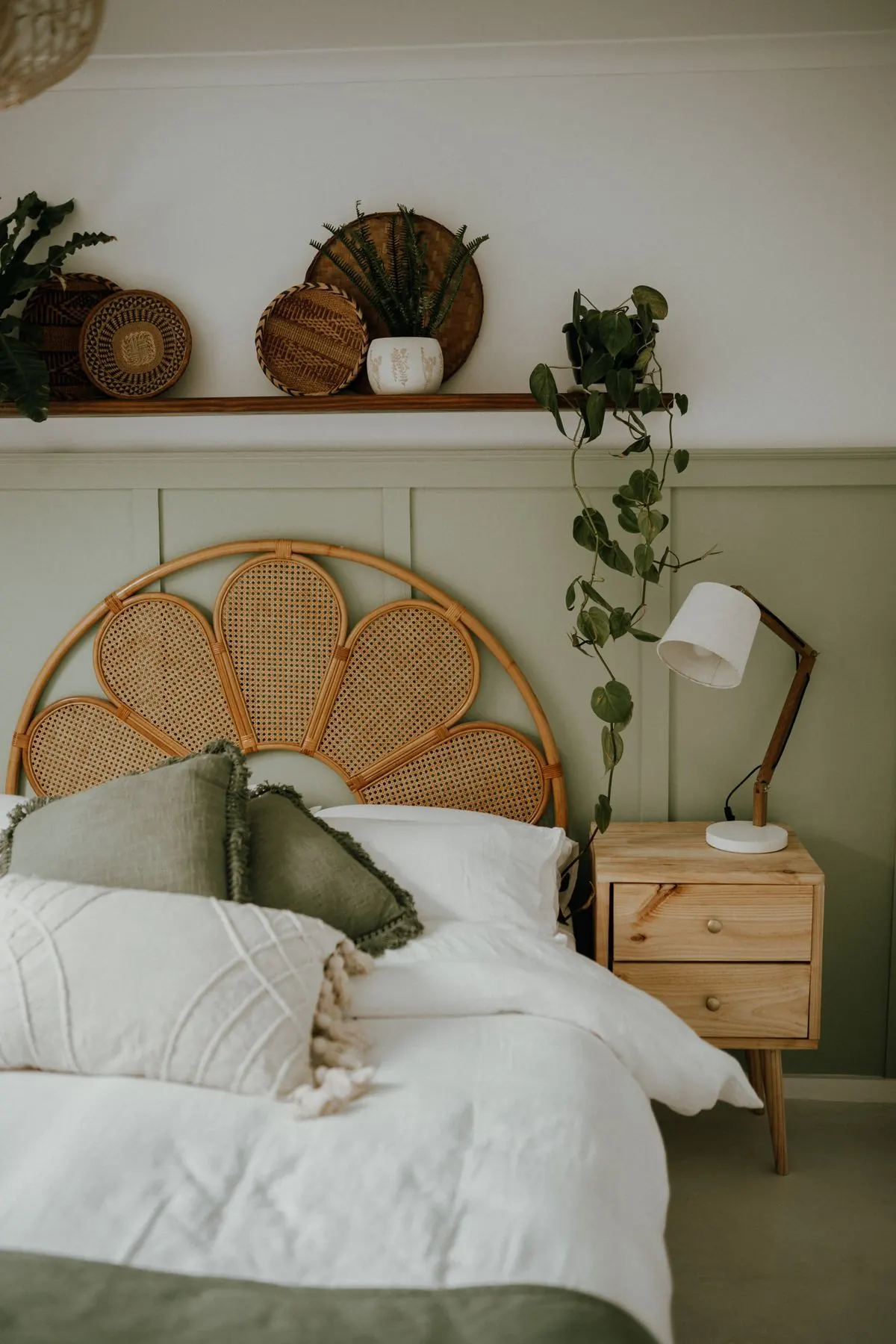 Rattan headboard ≈ $149
Table lamp ≈ $45
Bedside table ≈ $79
- Rattan headboard$149
- Linen duvet set$89
- Pine bedside table$79
- + 4 more pieces$145
Why Nestivo
Most AI makeovers are beautiful lies — new windows, higher ceilings, furniture no store sells. Nestivo keeps your room, and gives you the receipt.
Still your room
Walls, windows, doors, the floor and the camera angle stay where they are. Only furniture, lighting, textiles and decor change — the things you can actually buy.
Priced, piece by piece
Every new piece in the picture is on a list with an estimated price in your currency. Tap Find similar to search Amazon or IKEA in your country.
Inside your budget
Choose $200, $500, $1,000 or your own number from 50 to 20,000. Nestivo plans the room so the total stays within it.
How it works
One photo. About twenty seconds.
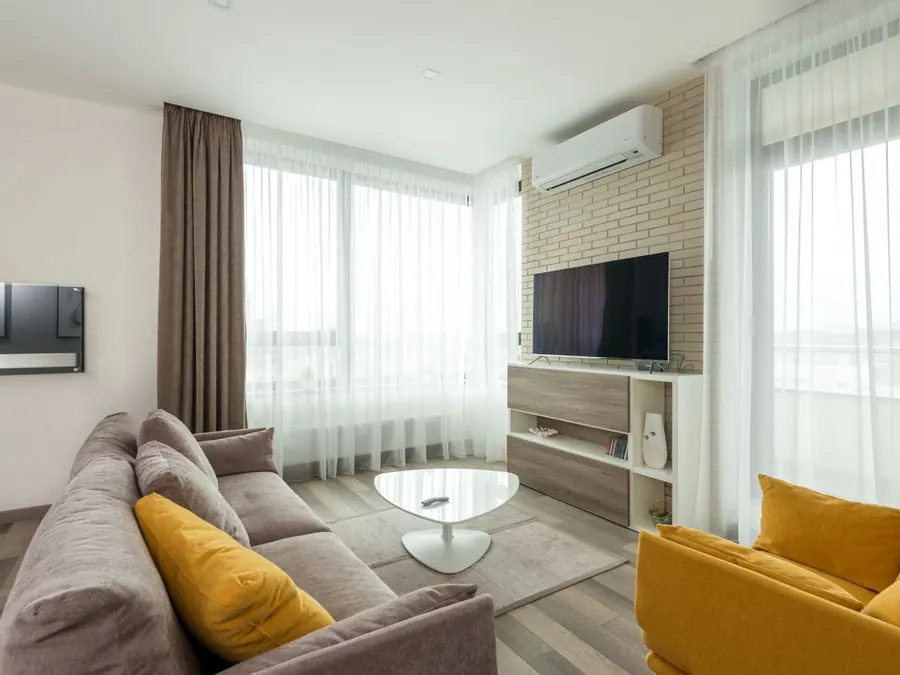
A good photo: taken from a corner, lights on. Clutter is fine.
Photograph the room
Stand in a corner to fit more of it in, and turn the lights on. Living room, bedroom, kitchen, bathroom, dining room or home office.
Set a budget
Pick an amount — or type your own — and switch on Renter-friendly if you can’t paint or drill.
Pick a style
Modern, Scandinavian, Japandi, Boho, Mid-century, Industrial, Coastal or Minimalist. Can’t decide? Surprise me makes three looks at once.
Get the look — and the list
Drag to compare before and after. Save it, share it, or change just one thing: Change only… swaps the sofa, the rug or the lights and keeps everything else.
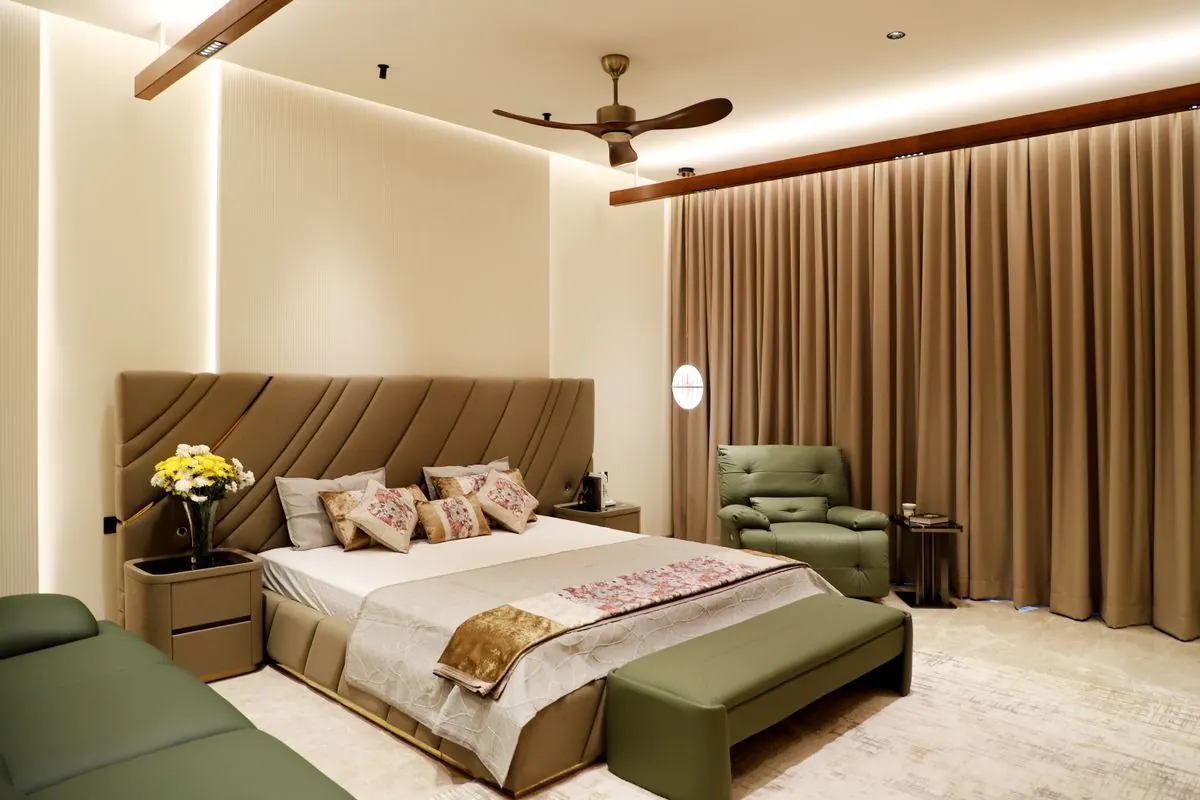
Illustration of a $1,000 bedroom list. Your list is made for your room, your style and your budget.
The shopping list
The receipt comes with the room.
No guessing what that chair costs. Each piece in your makeover is listed with an estimated price, and the total is checked against your budget.
- Channel-tufted headboardFurniture$289
- Green armchairFurniture$249
- Velvet end-of-bed benchFurniture$179
- Floor-length curtains, 2 panelsTextiles$98
- Globe wall lightLighting$59
- Floral cushions, set of 3Textiles$54
- Ivory throwBedding$39
Prices are estimates. Nestivo searches the stores for similar pieces — no ads, no affiliate links.
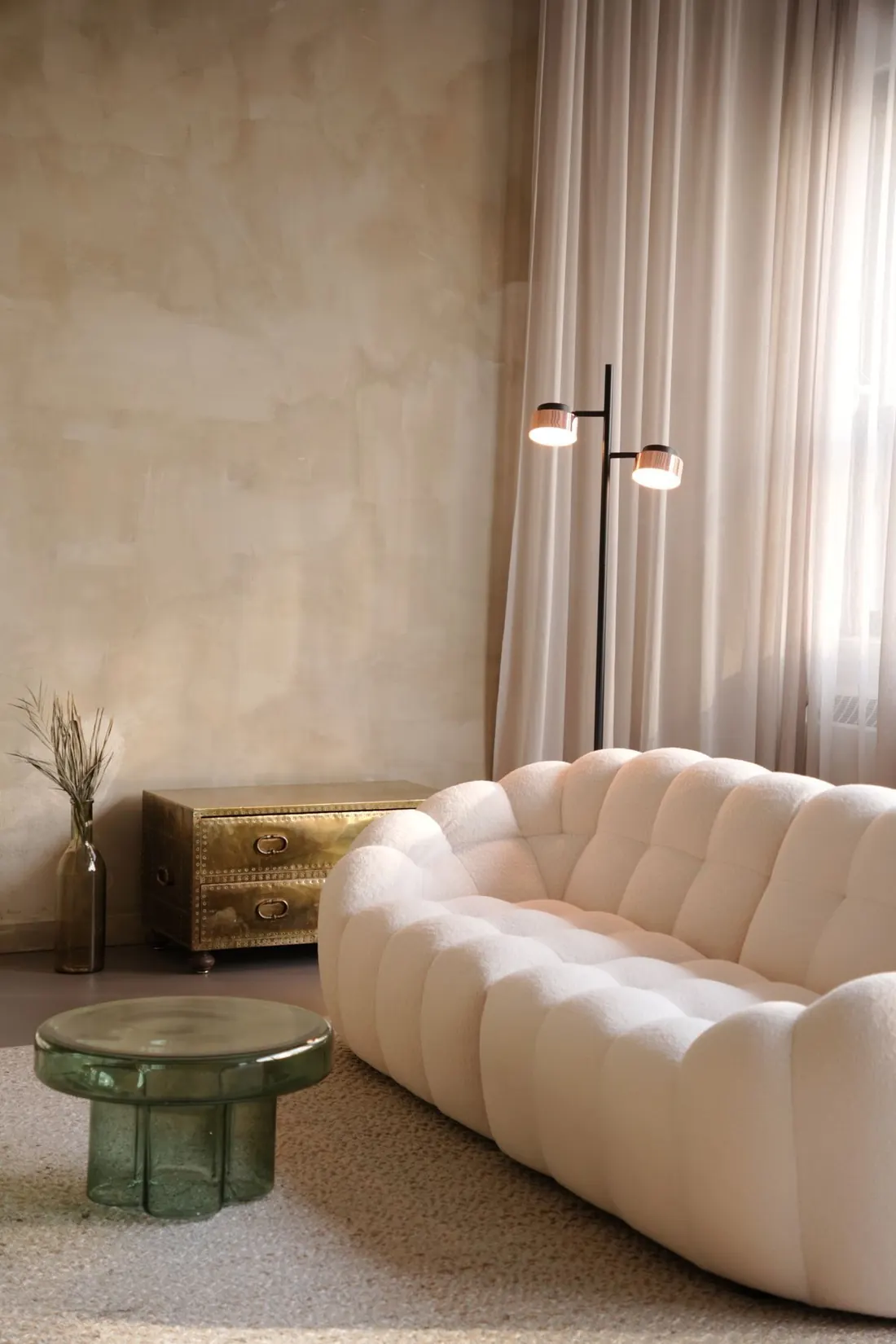
Renter-friendly
Renting? Keep the deposit.
Switch on Renter-friendly and Nestivo plans only what you can take with you when you move.
- No paint, no drilling. Walls and fixtures stay exactly as your landlord left them.
- Freestanding and plug-in. Floor lamps instead of new ceiling lights, leaning mirrors instead of hung ones.
- Textiles do the heavy lifting. Rugs, curtains, throws and cushions — the fastest way to change a rented room.
Eight styles
Find the room you’d actually live in.
Try one style, then another on the same photo — every look keeps its own list. Or let Surprise me show you three at once.
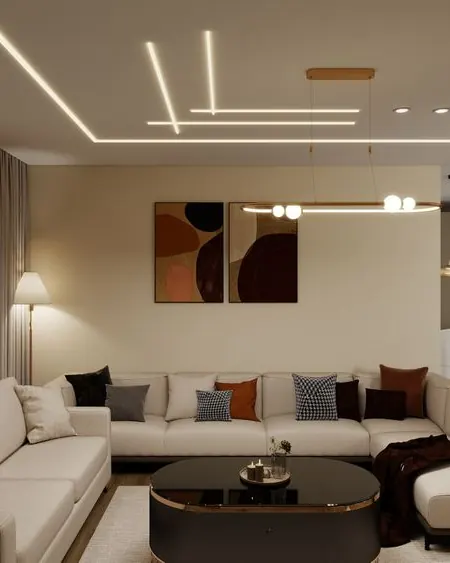

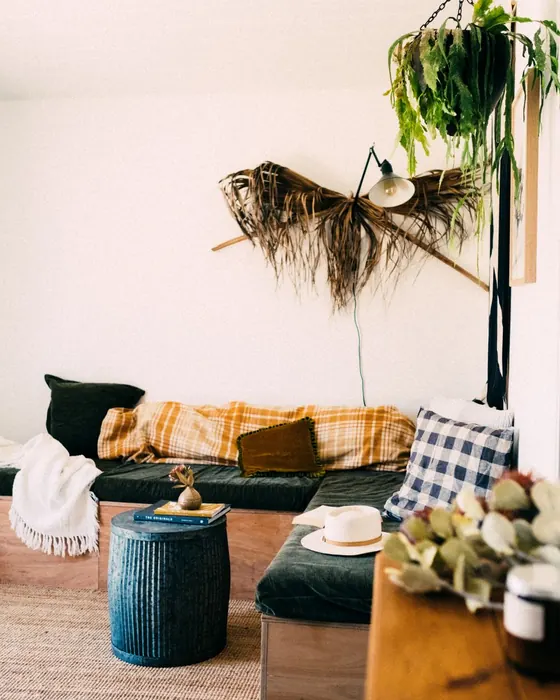
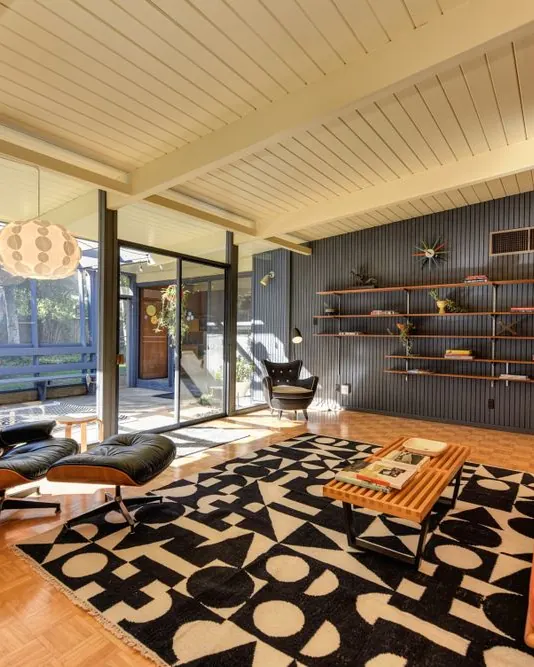
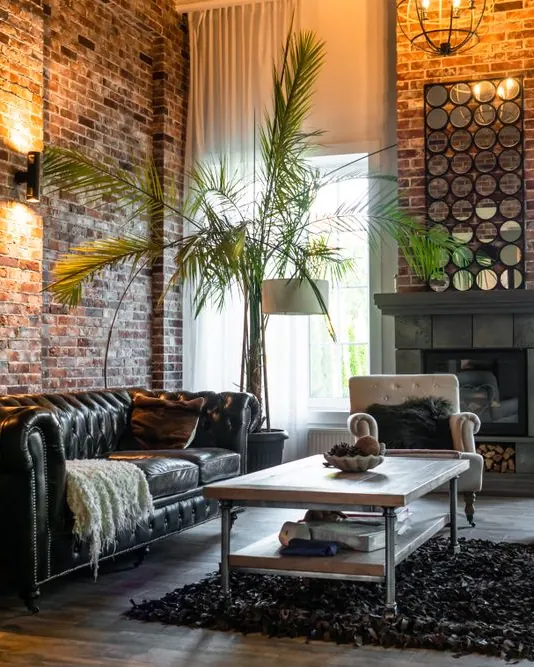

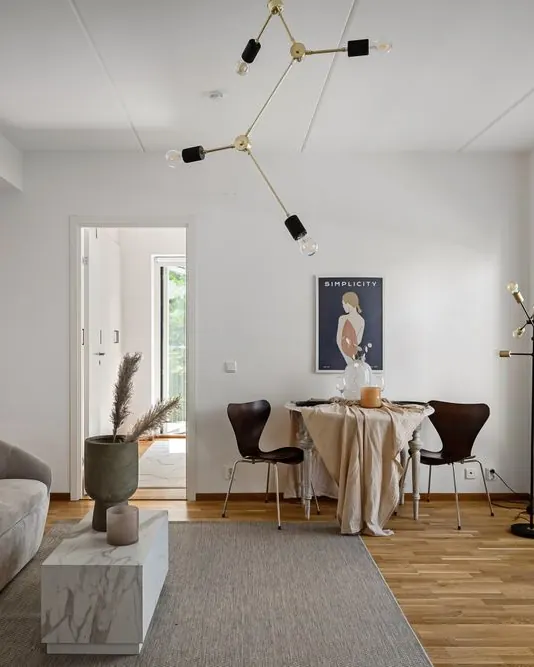
Surprise me
Three styles at once — Japandi and the rest included.
Honest pricing
Try it free. Pay only if you love it.
Your first makeover is the full thing — picture, list and prices. After that, Premium keeps you going.
One makeover, no card needed
- The full restyled picture
- The shopping list with prices
- Before and after, Save and Share
≈ $0.77 a week
- Up to 100 makeovers a month
- Surprise me: 3 styles at once
- Change only the sofa, rug or lights
- A priced list for every look
For one big project
- Everything in Annual
- Cancel any time
No weekly plan.The yearly price is the main one, shown before you pay.
No trial trap.No free trial that quietly turns into a charge.
Cancel in two taps.iPhone Settings → your name → Subscriptions.
US prices. The App Store shows the price in your currency before you subscribe.
Private by design
Your home stays yours.
No account
No sign-up, no email, no password. Open the app and start.
On your iPhone
Your rooms, makeovers and lists are saved on your phone. Our server keeps no photos.
You decide
A photo goes to the AI only after you agree, and only when you make a makeover. Privacy policy
Questions
Good to know.
Is Nestivo free?
Your first makeover is free and complete — the restyled picture, the shopping list and the prices. More makeovers, Surprise me and Change only… are part of Nestivo Premium.
Will it change my walls or windows?
No. Nestivo is built to keep walls, windows, doors, the floor and the camera angle, and to restyle what you can buy: furniture, lighting, rugs, textiles and decor. AI isn’t perfect — if a detail looks off, try another style or use Change only….
Are the prices real?
They’re estimates for typical pieces, in your currency, so you can see what the look roughly costs. Real products and today’s prices differ — Find similar searches Amazon or IKEA so you can compare. Nestivo has no ads and no affiliate links.
Which rooms work?
Living rooms, bedrooms, kitchens, bathrooms, dining rooms and home offices. In kitchens and bathrooms Nestivo keeps cabinets and fixtures and restyles the rest — lighting, textiles, decor and small furniture.
Does it work outside the US?
Yes. Nestivo uses your iPhone’s region for the currency and for the Amazon or IKEA store it searches. The app is in English for now.
Do I need an account?
No. There’s no sign-up. Your rooms are saved on your iPhone, and you can delete them all in Settings.
How do I cancel Premium?
On your iPhone: Settings → your name → Subscriptions → Nestivo. Cancel at least 24 hours before it renews; Premium stays on until the paid period ends. More on the support page.
Is there an Android version?
Not yet — Nestivo is for iPhone.
See your room at its best.
One photo to start. The first makeover is on us.
Download on the App Store